A little curiosity. A useful next step.

Practical AI help, without the overwhelm.

I help everyday people and small businesses use AI to solve practical problems, save time and make life easier, without the tech overwhelm.
  • Your pace
  • Real tasks
  • No silly questions
Illustration of a sunny desk with a laptop, colourful conversation bubbles and a lightbulb idea
Alfie

Hi, I’m Alfie.

Practical help, with a human on your side.

Friendly guidance. Solid technical foundations.Software engineeringApplication securityTrained as an HP instructor

Start with your world

What would you like to make easier?

You don’t need to know all the tools, or arrive with a perfect plan. We’ll start with what matters to you.

Everyday life

Start with something you’d like to make easier. We can practise asking useful questions, talking through an idea or organising information, at your pace. A first conversation with AI. A tricky email. An idea to explore.

Let’s start with you


Your business

Bring a task you or your team do regularly. We’ll work through the context, tools and checks together, then look for an approach you can reuse. Research. Client briefs. Follow-up. The work behind the work.

Talk through a task

How we can work together

A format that fits you

New to AI or already using it every day, we start with what you know and what you’d like to try.

Illustration of two people working through a task together on a laptop

Individual training

Come with questions, something to work on or just curiosity. We go at your pace, from your first conversation with ChatGPT to the features you have been meaning to try.

We'll agree the session focus beforehand.

Illustration of three colleagues discussing a workflow around a laptop

Team workshops

Your team might have a task in mind or simply want to explore. We start with what you already know, try things together and talk through where ChatGPT helps, where it struggles and what needs checking.

We'll work out the format and timing together.

Illustration of a learner reviewing notes with a mentor on a video call

Ongoing mentoring

Try things between sessions, then bring back your questions. We can work through what got stuck, test new features and keep building on what is useful to you.

We'll agree the session focus beforehand.

Ways we can work together 1 of 3

Swipe or use arrow keys

In our sessions

Different people, different starting points

A real task, a new idea or a question you've been sitting on. Here are a few things we've worked through together.

Illustration of voice conversation, meeting notes and an education idea
Illustration, not a client photograph.

A learner with an education idea

The starting point
New to technology, with an education idea for a cultural community.
What we worked through
Voice conversations, meeting notes and connected tools, with permissions and human review kept in view.
Something to take away
Tools and approaches they could try for themselves, starting with a conversation.
More about the session

New to technology, this learner wanted to explore an education project for a cultural community. We started with tools they could try for themselves.

We used ChatGPT voice to talk through ideas and explored recording meetings with Granola, then connecting those notes to ChatGPT. From there, we looked at other plugins and browser automation with Facebook Marketplace, keeping permissions and human review part of the conversation.

Illustration of property research, a location map and a client checklist
Illustration, not a client photograph.

A buyer's agent

The starting point
Using ChatGPT for property research, client briefs and follow-up.
What we worked through
Useful context, voice or regular chat, and asking ChatGPT to interview us before starting a task.
Something to take away
A visual guide to return to for the next property or client brief.
More about the session

We worked through property research, client briefs and follow-up, then captured the approach in a guide the agent could keep using.

We practised giving useful context and asking ChatGPT to interview us for the missing details before starting a task. The guide shows how voice or regular chat can start that conversation, with connected apps, browser tools and files in ChatGPT Work supporting the work.

It also covers saving repeatable instructions and using tasks and notifications for reminders and follow-up, so there is something practical to return to for the next property or client brief.

Illustration of two colleagues comparing AI responses and reviewing content
Illustration, not a client photograph.

An SEO team already using AI

The starting point
Already using Claude for SEO work, and exploring where ChatGPT might fit.
What we worked through
Useful context, model comparisons and when to try Chat, Codex or Work, alongside plugins and token use.
Something to take away
Practical comparisons to help choose which tool to try for a task.
More about the session

This team was already using Claude in their SEO work. We explored how ChatGPT compared and where it could fit into the way they worked.

We practised giving ChatGPT useful context, compared models and talked through when to use Chat, Codex or Work. We also explored plugins and how tokens are used, so the team could make more informed choices about the tools they already knew.

Session example 1 of 3

Swipe or use arrow keys

Connected apps and browser actions need the right permissions and a person checking important steps.

Practical experience

Things I've built and worked on

A training guide, an everyday automation and a live app. These are a few of the things I draw on when we work together. Open a project to explore the pictures and the work behind it.

Warm illustration of property research, a client brief and a laptop on a sunny deskConcept illustration · property research

Buyer's Agent ChatGPT Workflow

I worked with a buyer's agent on using ChatGPT for property research, client briefs and follow-up. We put the approach into a guide to use after the session.

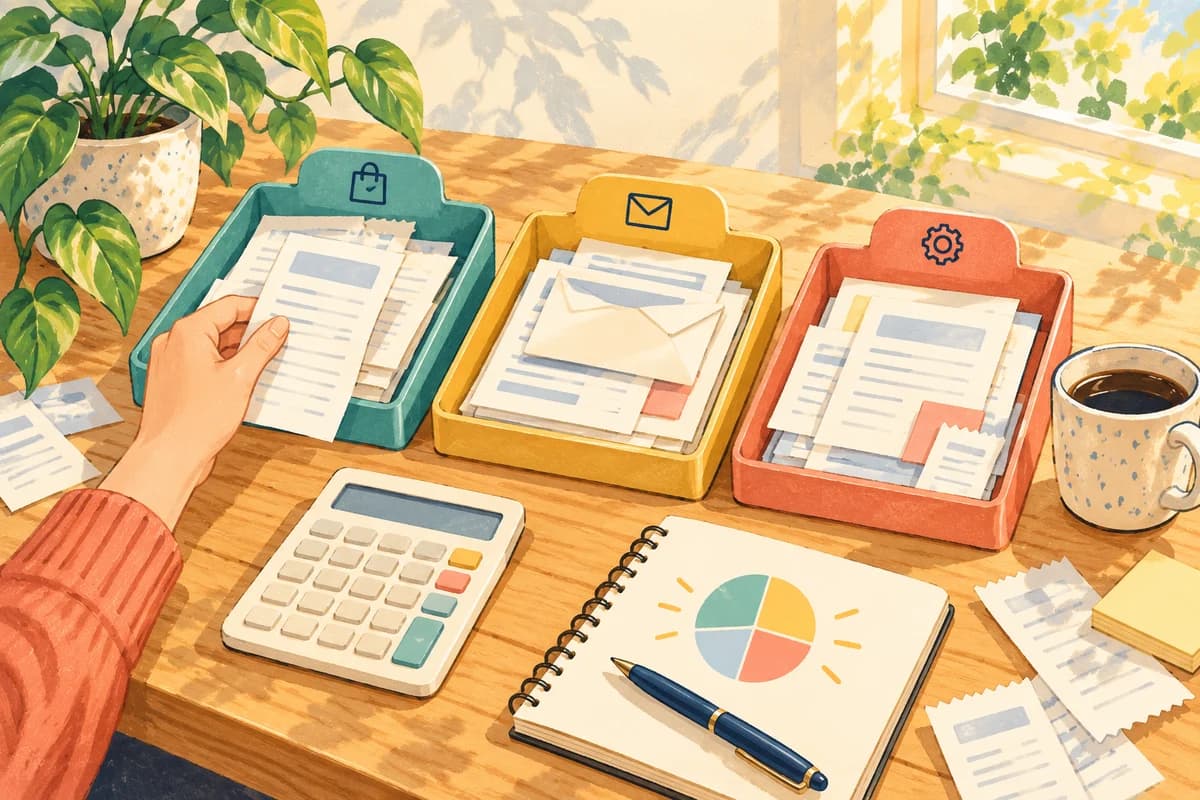
Warm illustration of paperwork being organised into folders for human reviewConcept illustration · organised paperwork

Financial Admin Automation

A personal workflow I designed and implemented to streamline my own annual financial administration, from collecting and organising documents through to reconciliation, schedules and evidence preparation.

Illustrated cover of Alfie's Almanac with a surf mapProject artwork

Featured project

Alfie's Almanac

I built and run this live surf-planning app, bringing weather, marine conditions, maps and personalised surf alerts together. I use AI throughout delivery, from research and code to testing and security review.

Project 1 of 3

Swipe or use arrow keys

Between sessions

What I'm trying next

Kelpie, a turquoise octopus holding a surfboard

I'm dabbling with ChatGPT dot and Spaces, trying them on my own tasks.

I asked my dot to create its own picture and suggest a name. A little back-and-forth later, meet Kelpie: a surfing octopus inspired by my time in the ocean.

Illustration of two people working through ideas together around a laptop
Alfie smiling by the ocean

Alfie

Curious about technology. Happiest near the ocean.

A bit about me

A real person to work things out with.

I like hearing what people are trying to do, what they've already tried and where they're getting stuck. You might be learning the basics, finding a better way to work or exploring an idea you care about. That's where we start.

My background spans software engineering, enterprise integration and application security at HP, Micro Focus, Swyftx, Officeworks and Belong. I've also trained as an HP instructor. That experience helps me explain how the tools work, troubleshoot with you and talk through what information is safe to share.

I build and run apps and automations with AI, from a live surf-planning app to document preparation and private dashboards. I bring that practical delivery experience into our sessions, including testing, integrations, security checks and the things I'm still working through.

View experience on LinkedIn

Ask Alfie

What would you like to make easier?

Have a question, a task or just a bit of curiosity? Tell me a little about yourself or your team, and we can take it from there.

A conversation is a good place to start.